
80% of Scams Start from Meta Advertisements Teach You 5 Precautions
2026-02-23
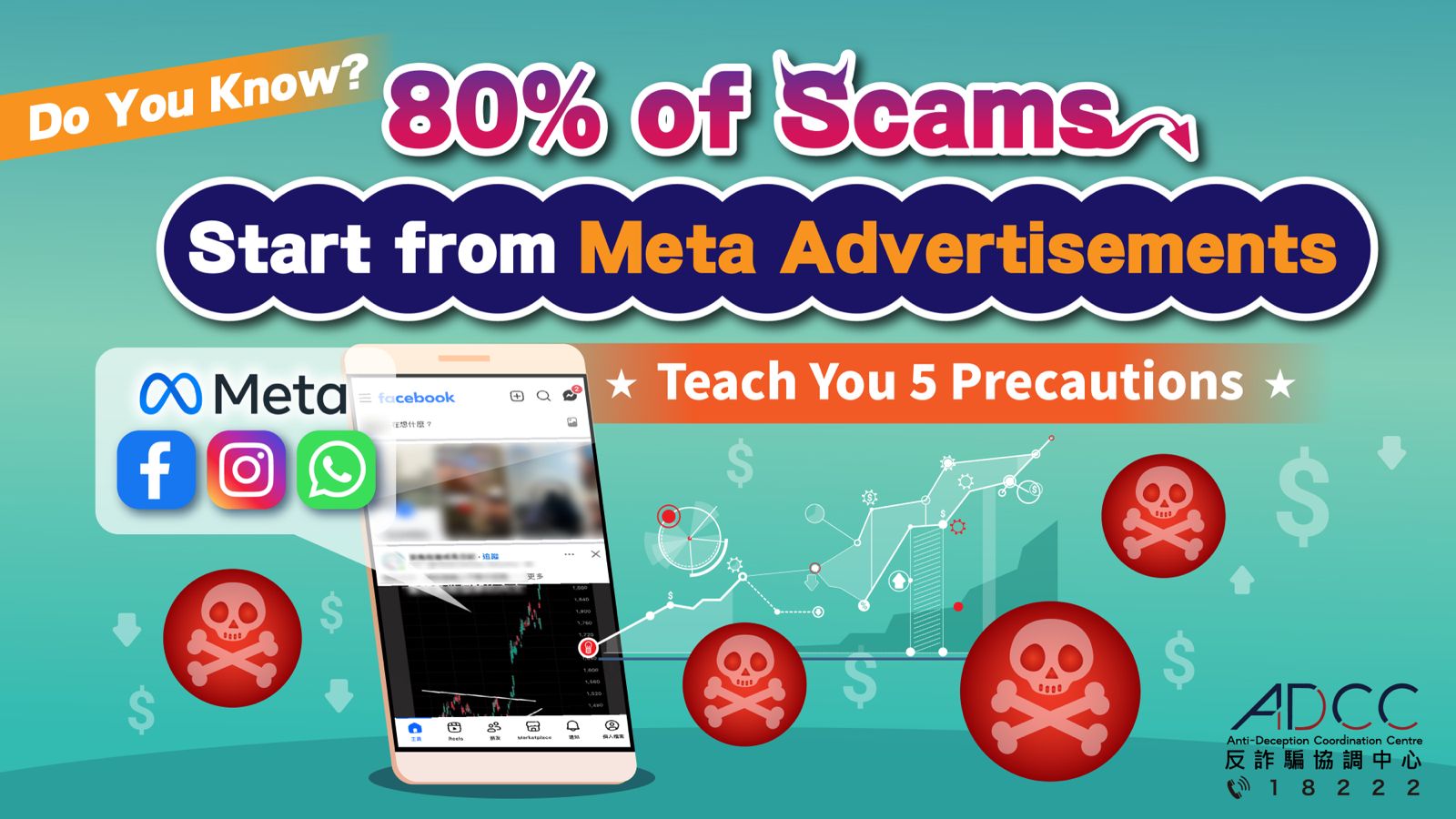
Do you know that 80% of investment scams start from Meta advertisements?
In 2025, the police recorded 5 717 investment scam cases, 80% of which reached victims via WhatsApp, Facebook or Instagram under Meta. The amount involved exceeded $3.3 billion.
What platforms does Meta own?
Major social or messaging platforms under Meta include Facebook, Instagram, WhatsApp, Messenger and Threads.
The police can only contact relevant platforms and ask them to remove such advertisements or posts after members of the public make scam reports to the police. Consequently, there were cases in which other people were scammed in the intervals between the moments when the police received the first suspected scam reports and the removals of related web pages.
Case
A man fond of investing cryptocurrencies received private messages from an unknown woman on Facebook. They had chats first, then shared investment experience with each other. The woman took this opportunity to recommend a suspicious investment platform, lure him to download that platform and transfer cryptocurrencies stored on other platforms to that one. Shortly, his account on that platform was locked, even after he paid an “unlocking fee” many times. Losing over $1.3 million, the victim eventually realised that he had been cheated only after making a report to the police.
Five Precautions
1. When seeing advertisements for investment or high returns, pause and check.
Advertisements for “low risk and high return” are highly likely to be scams: Note wording such as “Guaranteed profit with no loss”, “Earn several thousand dollars daily”, “AI automatic stock speculation” and “No risk”. 99% of advertisements with such wording are scams.
Click on “Page” → “About”
Check when the page was created (most scam pages were just created several months ago). Is the name of the page changed frequently?
Check the quality of the content: Scam advertisements often contain wrong words or characters, images of poor quality, and use videos with celebrities or officials as baits.
2. Avoid being added to WhatsApp scam groups
Open WhatsApp → Tap “Settings” → Tap “Privacy” → Tap “Groups” → Select “My contacts”
After completing the above steps, strangers will not be able to add you to groups directly and the risk is reduced significantly.
If you are added to scam groups, exit and report them immediately. Do not click on any links or download any applications.
3. Use “Scameter” for checking
To evaluate risks immediately, use “Scameter” or “Scameter+”, the mobile application of “Scameter”, to check suspicious phone numbers, URLs, transferees’ account numbers, etc.
4. Security setting of account (to prevent theft or hijacking)
Activate two-factor authentication.
Check login records regularly to examine whether there are logins by unknown devices.
Close or reduce the number of personalised advertisements to decrease the number of targeted scam advertisements.
5. If you suspect that you have fallen prey to scams, call the “Anti-Scam Helpline 18222” (24-hour) immediately to make enquiries.